
Works with Outlook
Keep using Outlook. Lose the digging.
Plana reads your Microsoft 365 mailbox, what you send as well as what you receive, and files each email against its job. New enquiries wait in one place, one click from becoming a job.
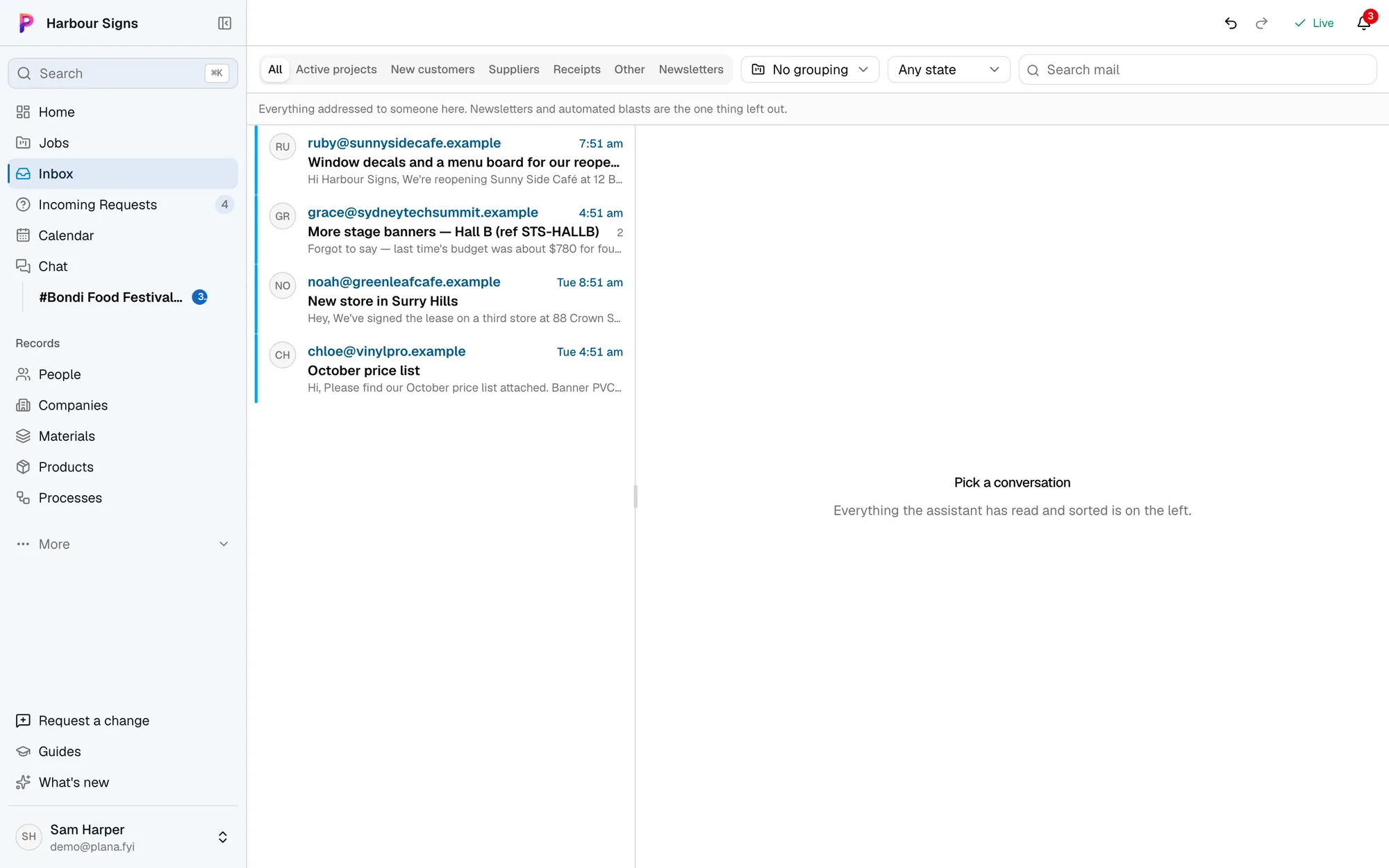
How it works alongside
You still send and reply from Outlook as you always have. Plana never sends on its own: anything it writes for a customer or supplier waits for someone on your team to approve it.
Setting it up
- 1Connect your mailbox
Sign in with Microsoft from Settings. Each person can connect their own mailbox.
- 2Work through Incoming Requests
Emails that look like new work, with the customer and items already read out of them.
See how - 3Send purchase orders from Outlook
One click puts the order in your Outlook drafts, addressed to the supplier with the PDF attached.
See how
Questions
- We use Gmail. Can we still use Plana?
- Gmail doesn't connect directly yet. Every business gets its own Plana email address, so you can forward or copy mail to it and it's filed the same way.
- Can Plana see all our email?
- Only the mailboxes you connect. Supplier invoices and newsletters are kept out of the way, and nothing is sent without someone approving it.