 Plana
PlanaFor installers
Know what's going up, where and when.
Every sign on the job, the install date, the site contact and the latest from the office, on the phone in your pocket.
Sound familiar?
- The install details are buried in an email thread you weren't on.
- You get to site and one sign is still at the printer.
- Nobody told you the date moved.
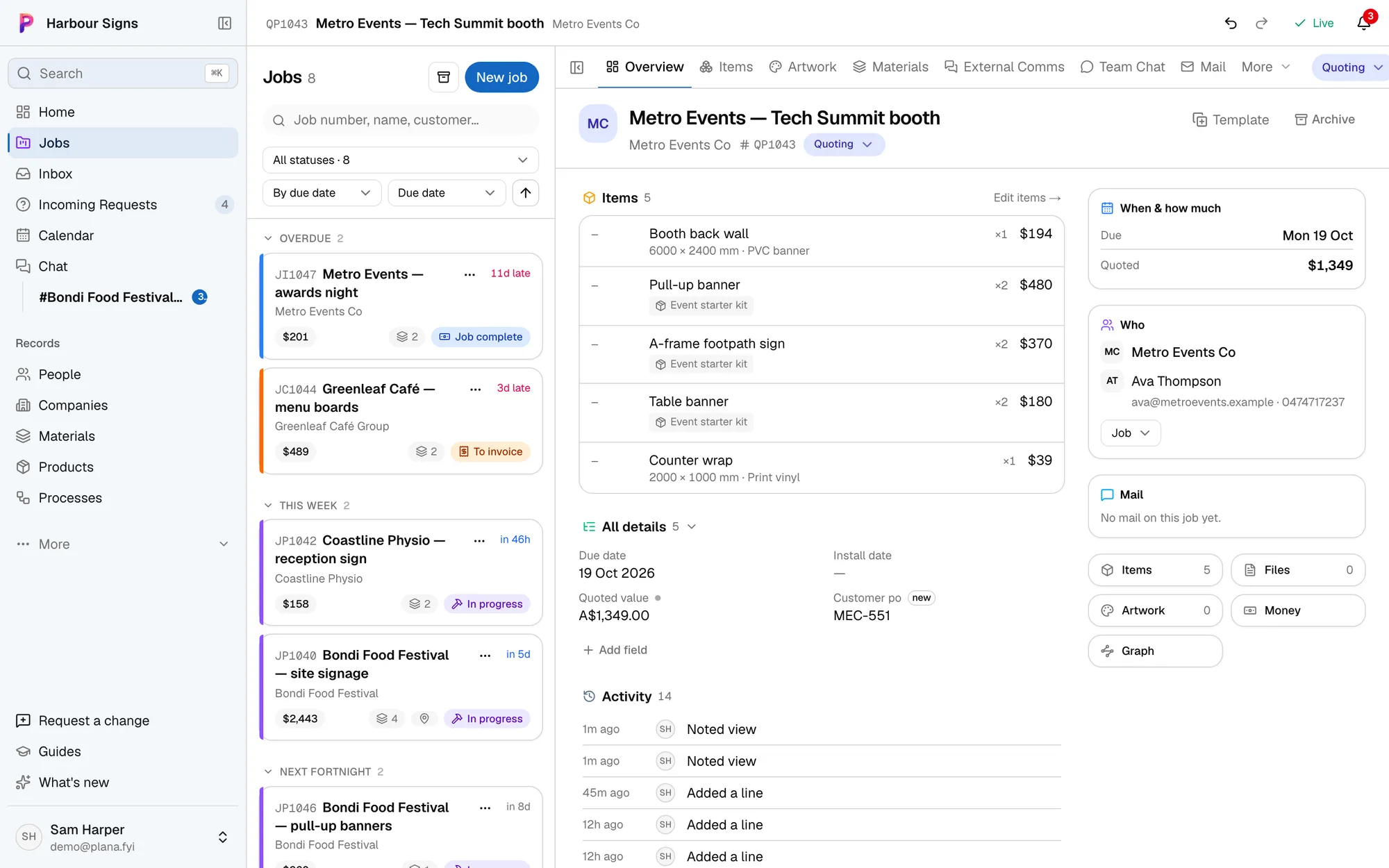
The whole job on one page
Every item, its size and its status, the install date, and who to call. If a sign isn't ready, you'll see it before you load the van.
Watch it done in the app, below.
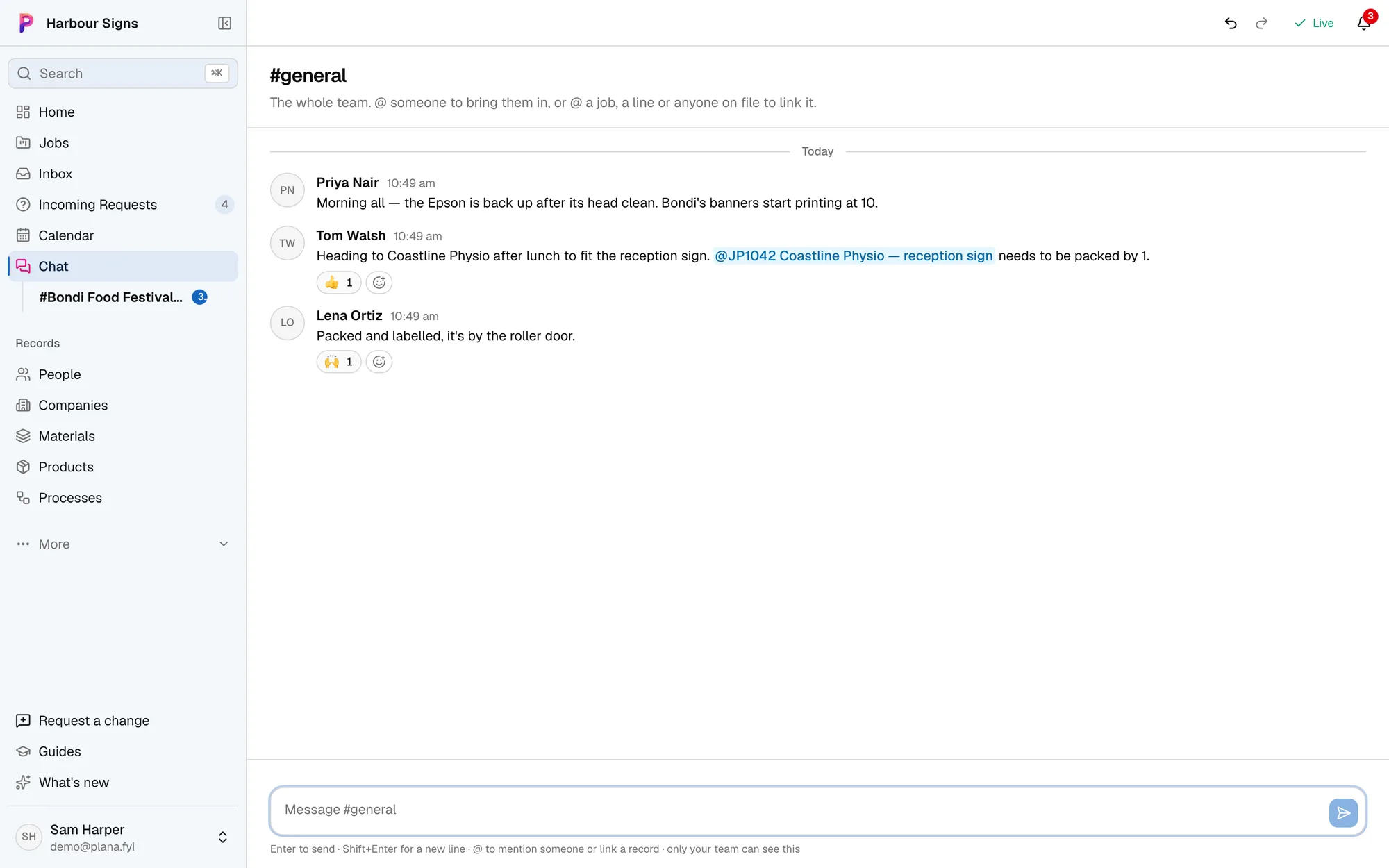
A chat for every job
Ask the office a question on the job itself, and the answer stays there for the next person.
Watch it done in the app, below.
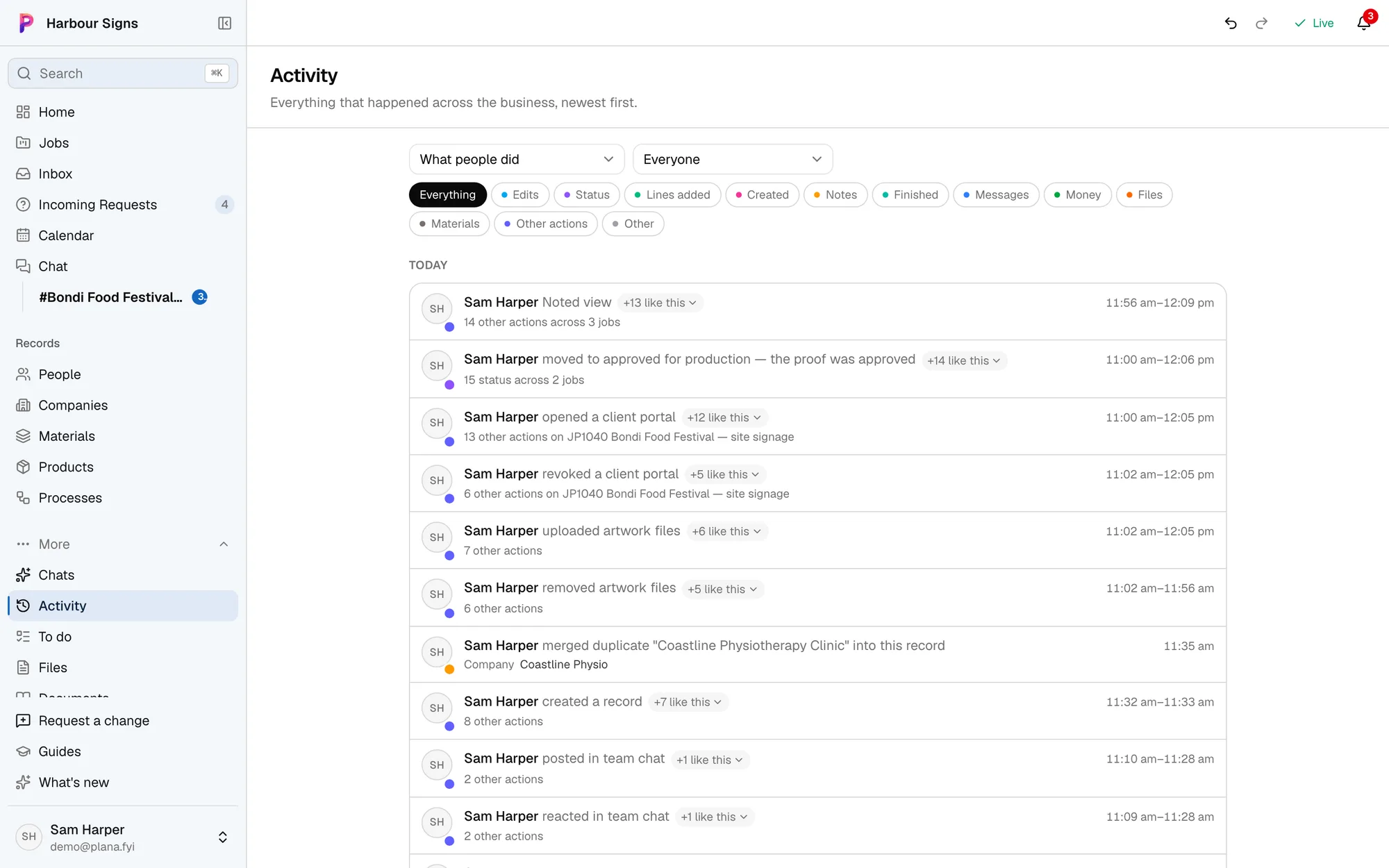
See what everyone's done today
Activity shows what changed on each job, and who changed it, so nobody works from yesterday's plan.
Questions
- Do installers need to learn a whole new system?
- No. They open a job and see what's on it. They can also text the assistant to ask what's on today.
- Can installers see prices?
- No. Members see the work without the money unless you make them an admin.