
Plana vs Asana
Your jobs, not just your tasks.
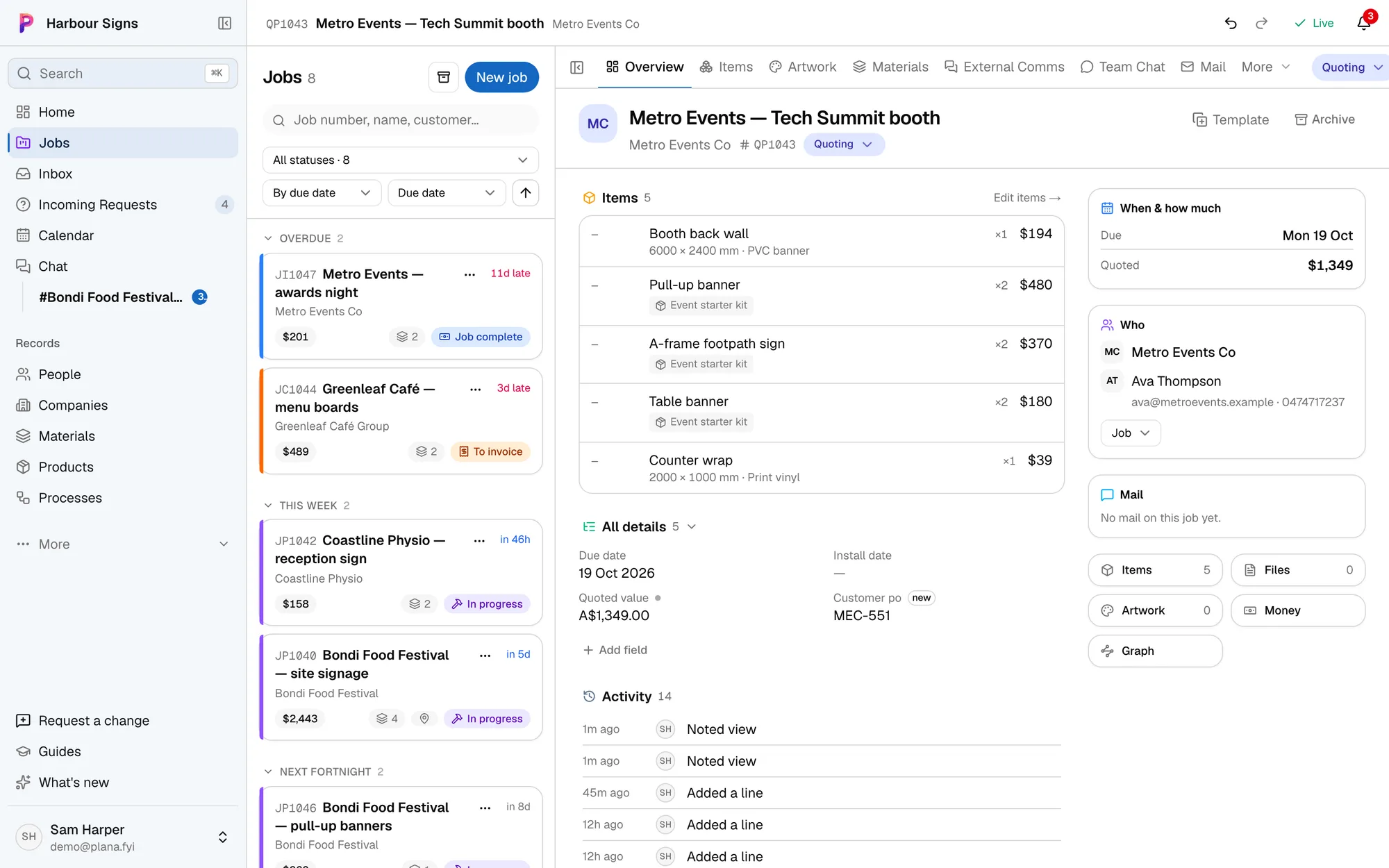
Asana keeps a team's tasks in order for any kind of work. A sign or event job is more than tasks: a quote, the materials, artwork and proofs, the floor, the install, the invoice. Plana has a place for each, ready on day one.
Which one fits your business?
Asana is made for
- Tasks and projects for any kind of team
- Templates and rules you set up yourself
- Quotes, prices and invoices kept in another program
Plana is made for
- Each job holds its quote, lines, materials, artwork and install
- Emails and attachments filed on the job for you
- Prices worked out from your own materials and rates
- Customers approve proofs on their own link, no account needed
- Installers get the address, contacts and photos on their phone
Moving from Asana to Plana
- 1See every job by where it's at
Quoting, in production, installing, to invoice: one list, grouped like the board you had.
See how - 2
- 3
Questions
- We still have a few non-job tasks. Where do they go?
- Keep a short list in Asana if it suits you. Plana is for the jobs: everything from the first email to the paid invoice.
- Can we try it alongside Asana first?
- Yes. Start the next few jobs in Plana and keep the rest where they are. Plana starts filing your emails on the jobs straight away.
- Does Plana do our accounts?
- Plana makes the quotes and invoices, but it doesn't do your books. Keep Xero, MYOB or QuickBooks for that.