 Plana
PlanaArtwork approvals
Proofs approved in one link.
Your customer sees every proof on the job, approves it or asks for changes, and drops in their own files. No account, no email chain.
Sound familiar?
- Which proof did they approve? The one from Tuesday or the one from Thursday?
- Artwork arrives as a link to a link to a WeTransfer that's expired.
- Something goes to print that nobody signed off.
One link for the whole job
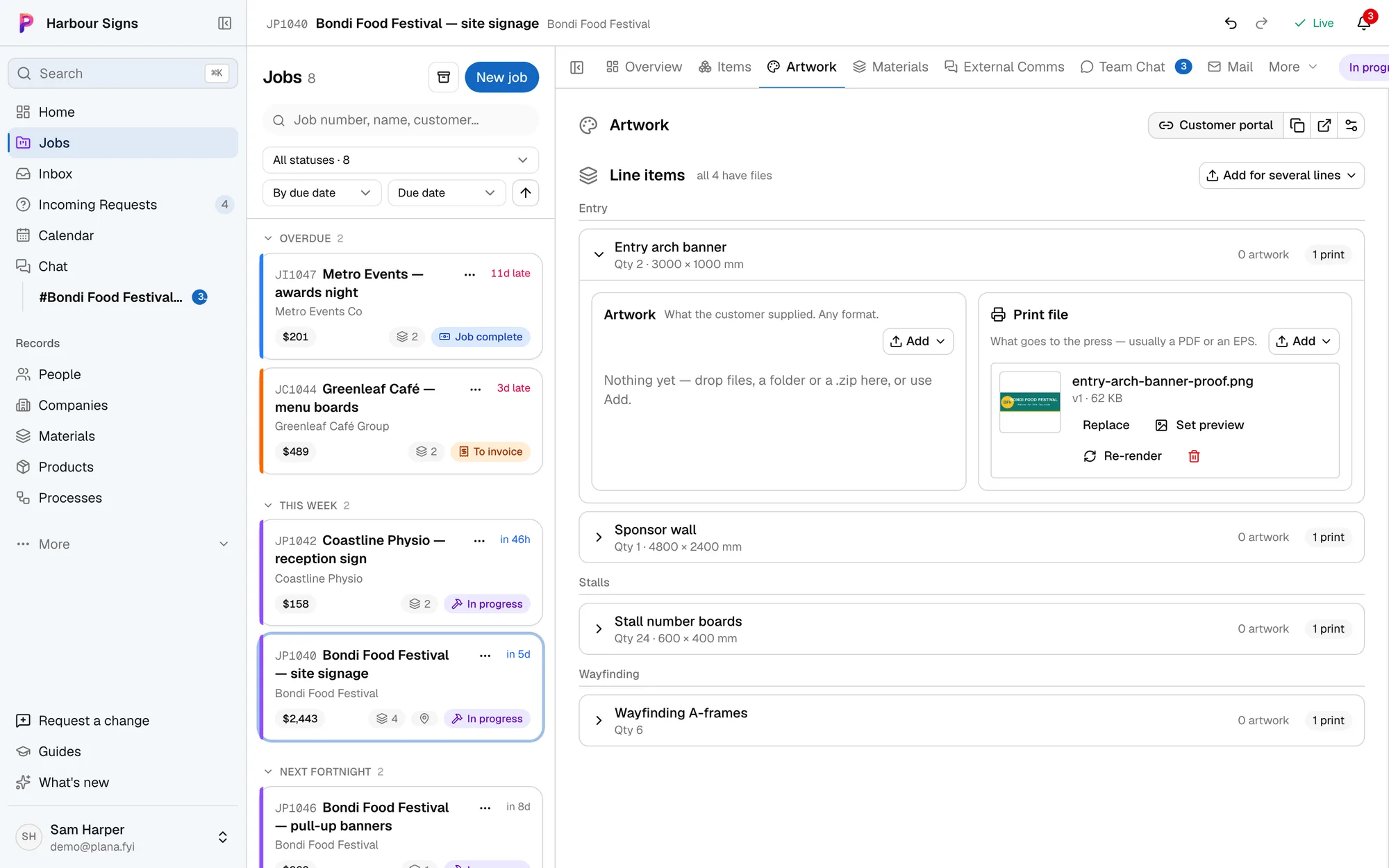
Share a job's portal and your customer sees each item's proof, with comments beside it. They approve or ask for changes, item by item.
Watch it done in the app, below.
New artwork clears the approval
Upload a new version and its approval resets, so nothing goes to print on a sign-off for a different file.
Print files made for you
When artwork arrives, Plana can make the print file with bleed and cut lines, ready for you to check.
Questions
- Does my customer need to sign up?
- No. The link is enough. You can turn it off or send a new one at any time.
- Can they send their own artwork?
- Yes. They upload it straight onto the item it's for, and it's on the job for your team.