
Plana vs monday.com and Trello
A board you don't have to build.
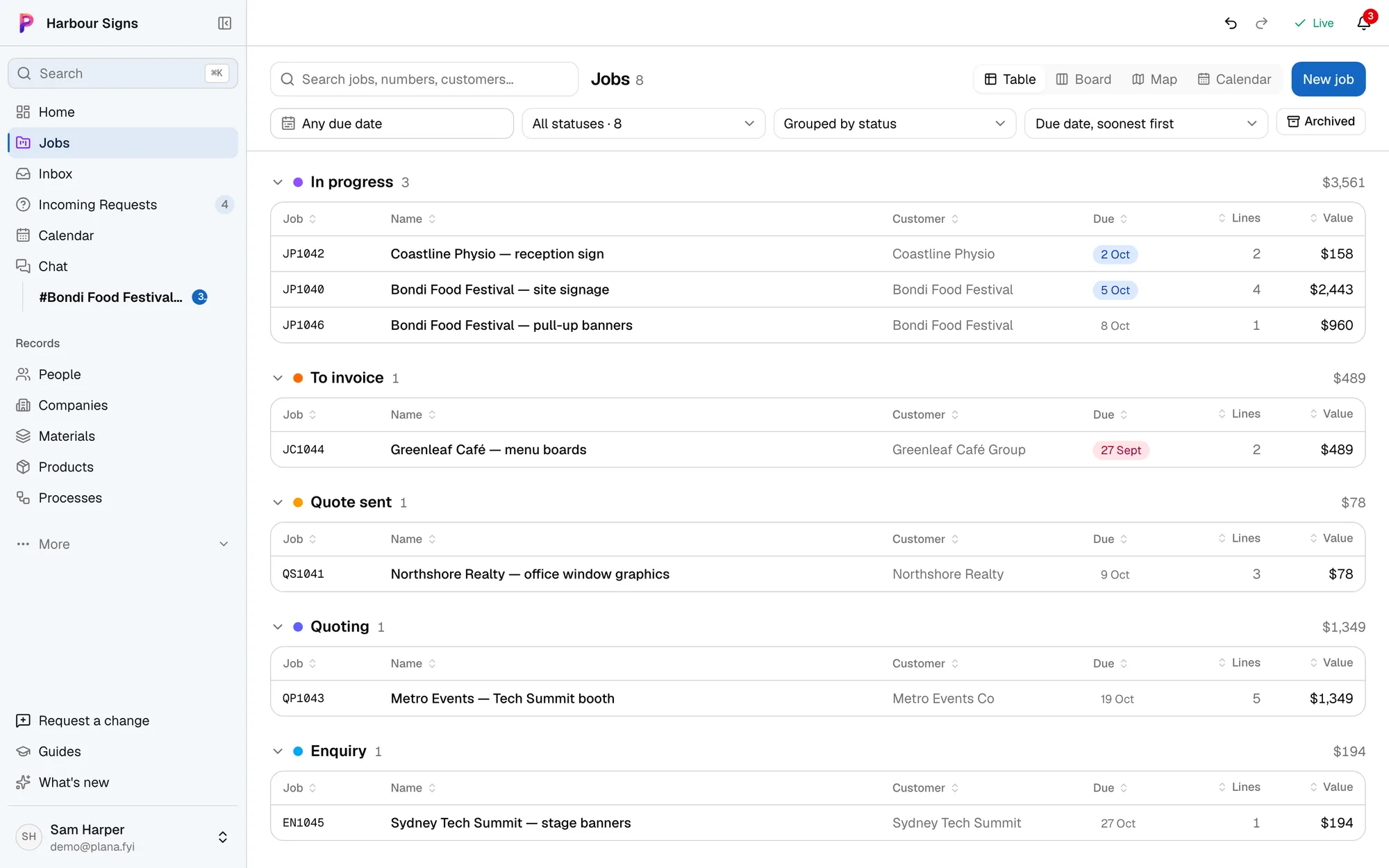
monday.com and Trello are blank boards: great for any kind of work, but you set up every column, and the emails, artwork and prices still live somewhere else. Plana comes ready for signs, print and events.
Which one fits your business?
monday.com and Trello is made for
- Any kind of work, in a board you design yourself
- Teams who like to build their own workflows
- Tracking tasks, not quotes, materials or margins
Plana is made for
- Ready on day one for quotes, artwork, production and installs
- Emails filed against the job, not copied onto a card
- Prices and margins worked out from your materials
- Customers approve proofs in their own link
Swapping the board for Plana
- 1
- 2
- 3
Questions
- Can we still see everything on a board?
- Yes. Jobs are grouped by status, and Home shows what needs doing today for the work you do: the office, the workshop, print or install.