
Moving off spreadsheets
Off the whiteboard, without losing a thing.
The spreadsheet and whiteboard work until the job that falls through the gap. Plana keeps the same simple list of jobs, and adds the bits a spreadsheet can't: the emails, the proofs, and what each job really made.
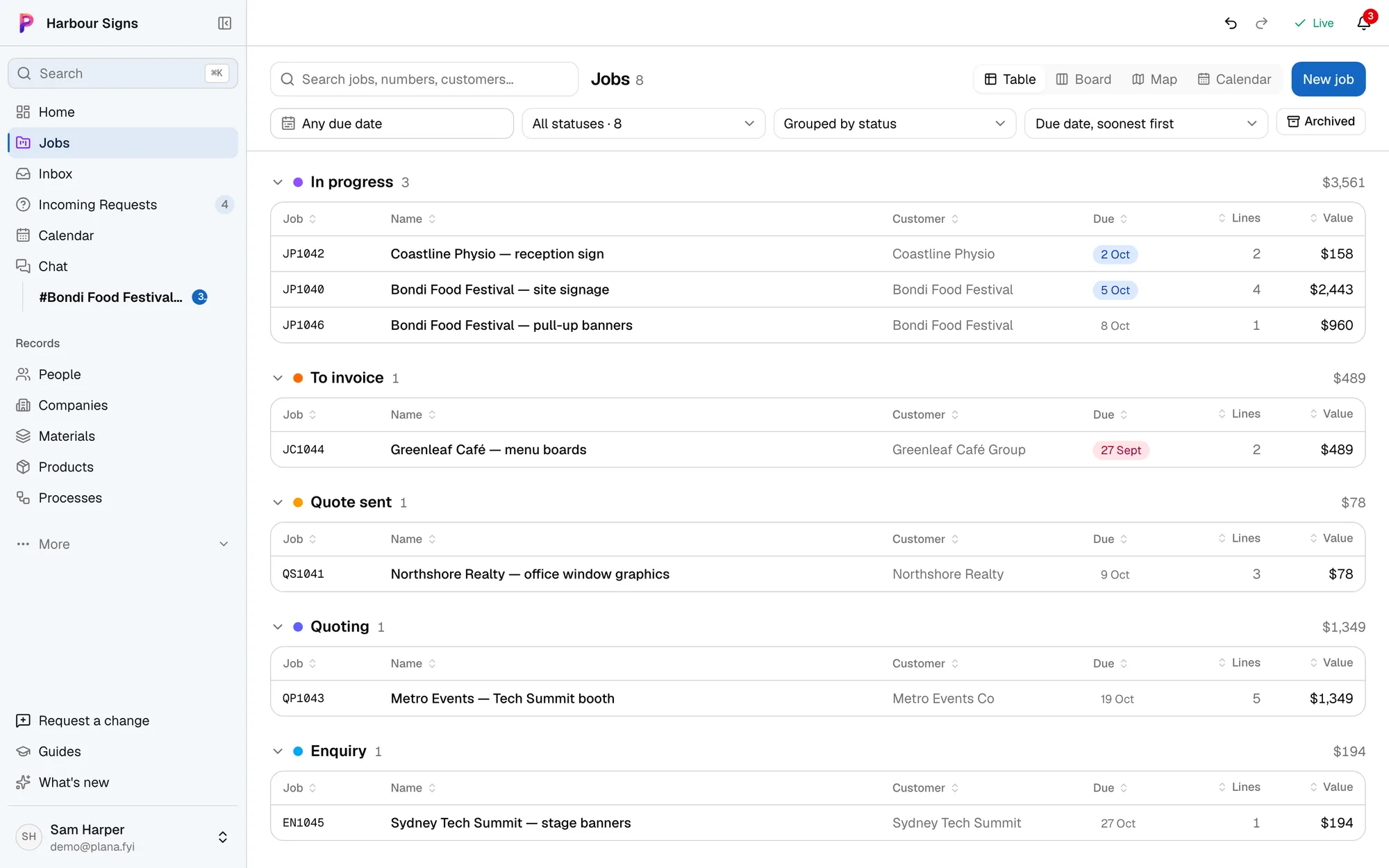
Which one fits your business?
Spreadsheets is made for
- Free, and everyone already knows how to use it
- Fine for a handful of jobs and one person keeping it up
- Doesn't know about your emails, artwork or costs
Plana is made for
- Fills itself in from your inbox, so nobody has to type it up
- The whole team sees the same thing, in the office or on site
- Proofs, artwork and photos on the job
- Free for your first job, so you can try it on real work
Your first job in Plana
- 1
- 2
- 3Link the client's spreadsheet
If the customer sends a list of signs in Google Sheets or Excel, link it and apply their changes to the job.
See how - 4
Questions
- Can we import our spreadsheet?
- Get in touch and we'll bring your jobs and customers across. A customer's own list of signs can be linked to a job and kept in step.
- What does it cost?
- One job is free, with every feature. Pro covers the whole business; see the pricing page.