


Works with Xero
Invoice from the job. Your books stay in Xero.
Issue an invoice in Plana and it's in Xero a moment later, for the right customer, under the same number. When the money lands in Xero, the job shows it's paid. Nobody types an invoice twice.
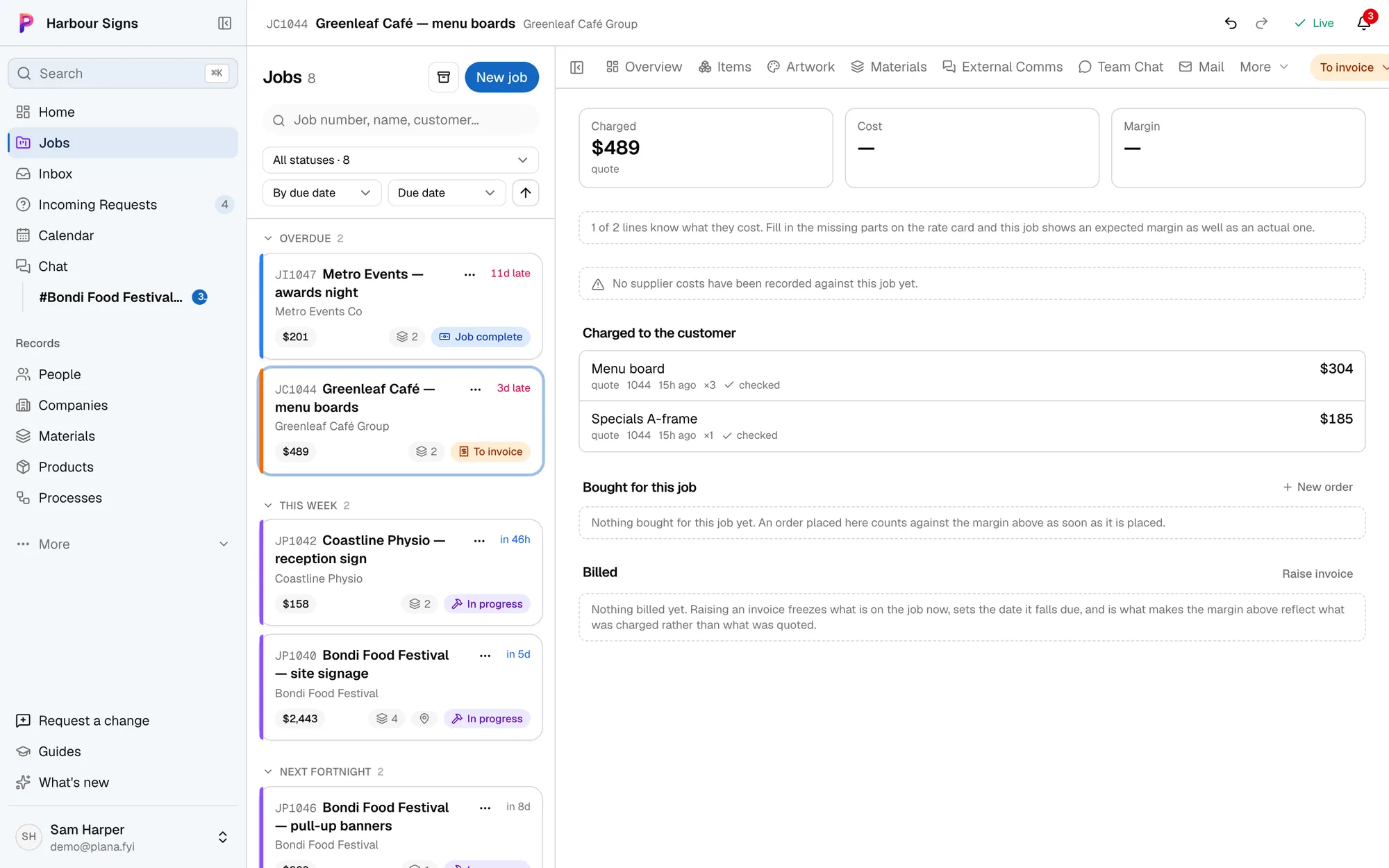
How it works alongside
Xero stays where your books are kept: your bookkeeper, the bank feed and GST all work as they do now. Plana makes the quote and the invoice from the job, sends the invoice to Xero, and reads back what's been paid, so the job and Xero always agree. If you'd rather check invoices before they go out, Plana can put them in Xero as drafts for you to approve there.
Setting it up
- 1Connect Xero
In Settings, Xero, sign in to Xero and pick your organisation. An owner or admin does this once for the whole business.
See how - 2Check where sales go
Plana picks up your sales account and GST from Xero. Change them if yours are different, and choose whether invoices arrive approved or as drafts.
See how - 3Issue invoices as you do now
Issue a deposit, part payment or final invoice on the job. It goes into Xero under the same number, and the customer is matched to the one you already have there.
See how - 4Money comes back by itself
When an invoice is paid in Xero, from the bank feed or by hand, the job shows it's paid. Credit notes count too.
See how
Questions
- Does it cost extra?
- No. Xero is on every Plana plan, including the free one, and uses no credits.
- Will it make duplicate customers in Xero?
- No. Plana looks for the customer in Xero by their ABN, then by name, and only adds them if they aren't there. Once matched, it remembers.
- What about invoices we sent before connecting?
- They stay as they are, since they're already in your books. Any one of them can be sent to Xero by hand from its job.
- What if we cancel or change an invoice?
- Cancel it in Plana and it's voided in Xero. Change it in Plana and the same invoice changes in Xero, as long as nothing has been paid on it there.
- Can supplier bills go to Xero too?
- Yes, if you switch it on. A purchase order marked arrived goes to Xero as a draft bill from that supplier, for you to check against their invoice and approve.
- Does it work with MYOB or QuickBooks?
- Not yet. Xero is the first; tell us which you use.