
For event producers
Nothing slips between the email and the event.
Plana reads your inbox, files every email on its job, and keeps what's promised, what's waiting and what's due in one place for the whole team.
Sound familiar?
- A client's request sits unanswered in someone's inbox for a week.
- Suppliers' quotes and invoices are mixed in with client mail.
- Every event starts from a blank spreadsheet.
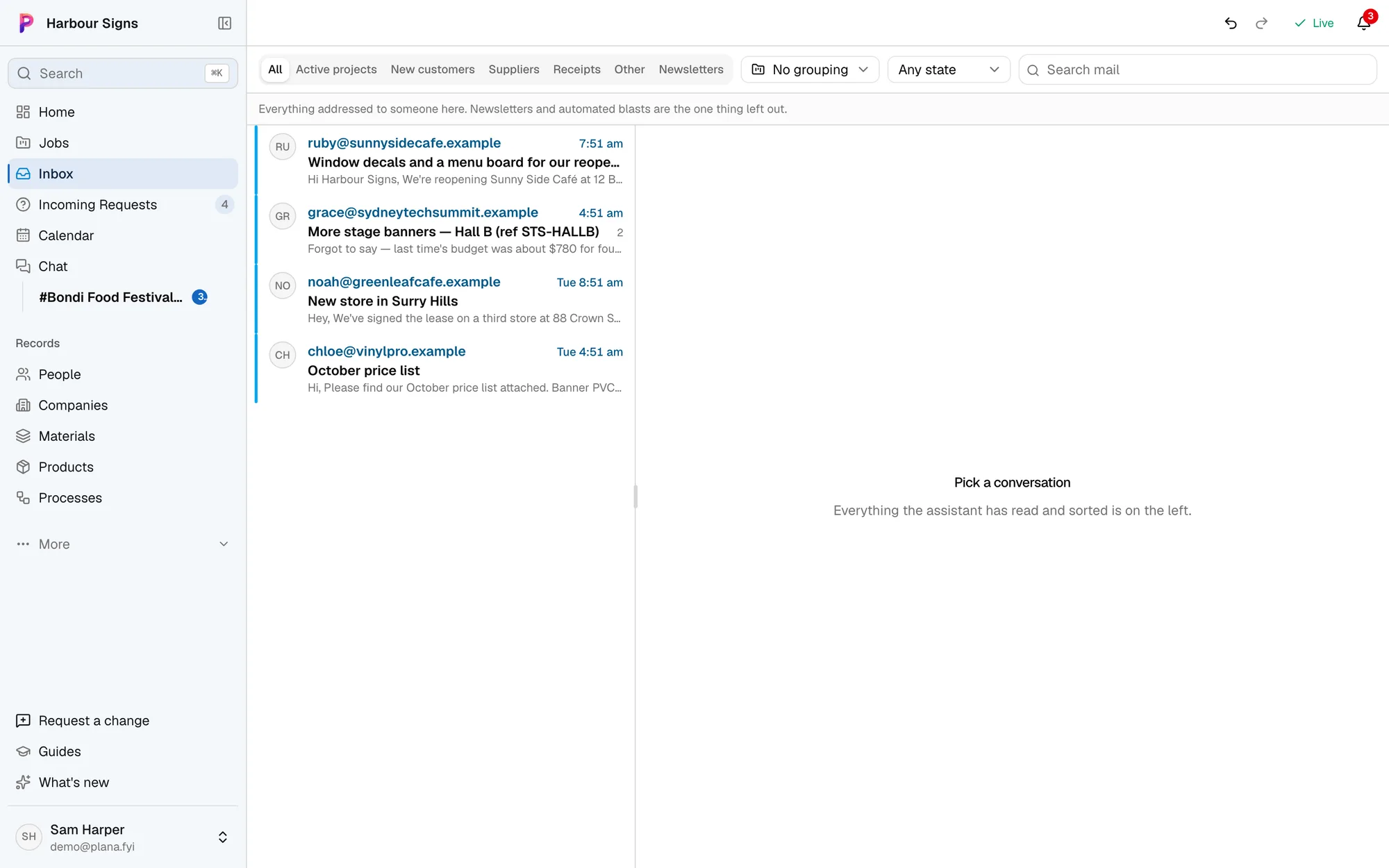
Your inbox, sorted by job
Every email is filed against the job it's about. New work waits in Incoming Requests; supplier invoices and newsletters don't.
Watch it done in the app, below.
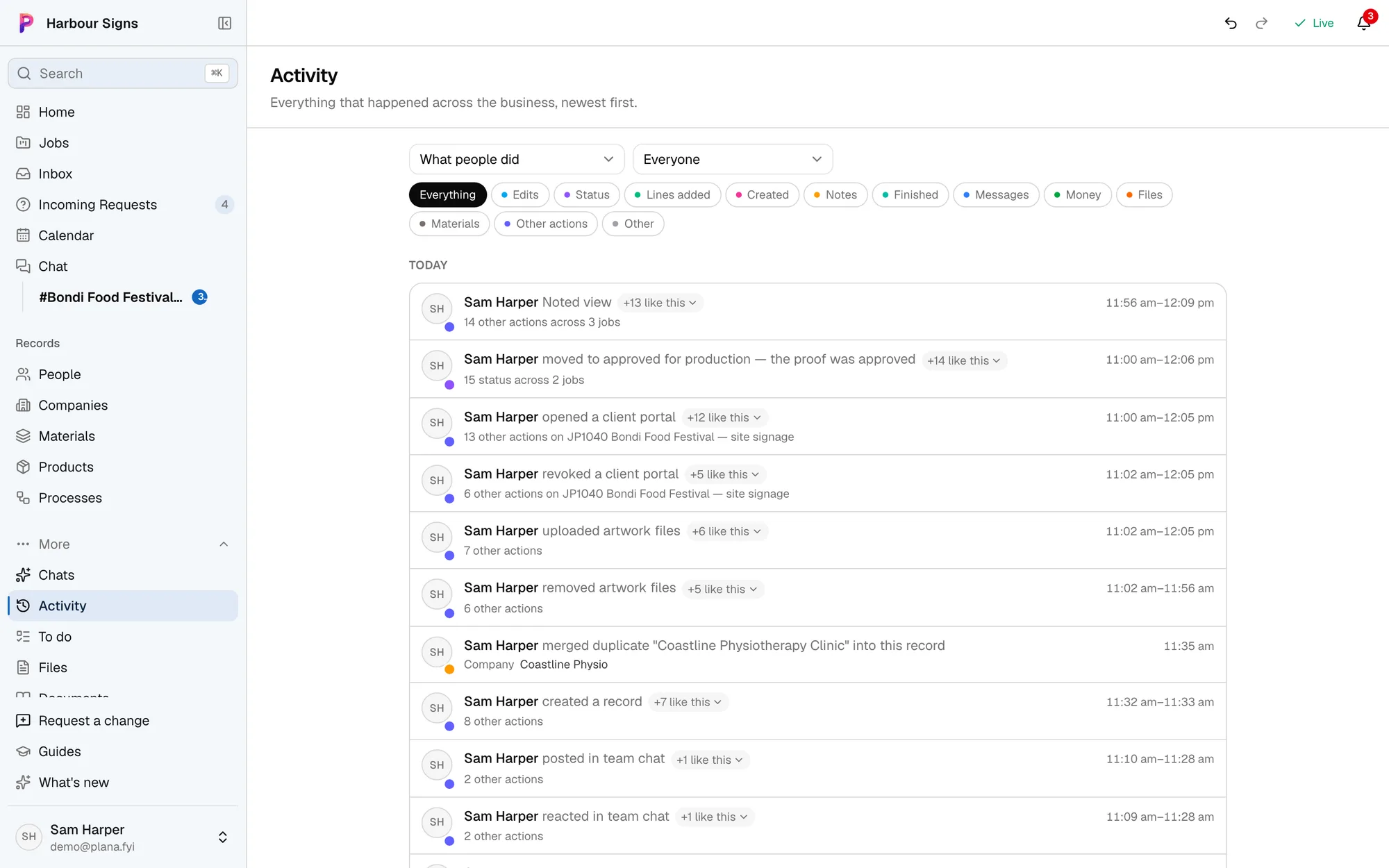
What everyone did, on which job
Activity shows the whole team's work across every job, so you can see what moved today without asking.
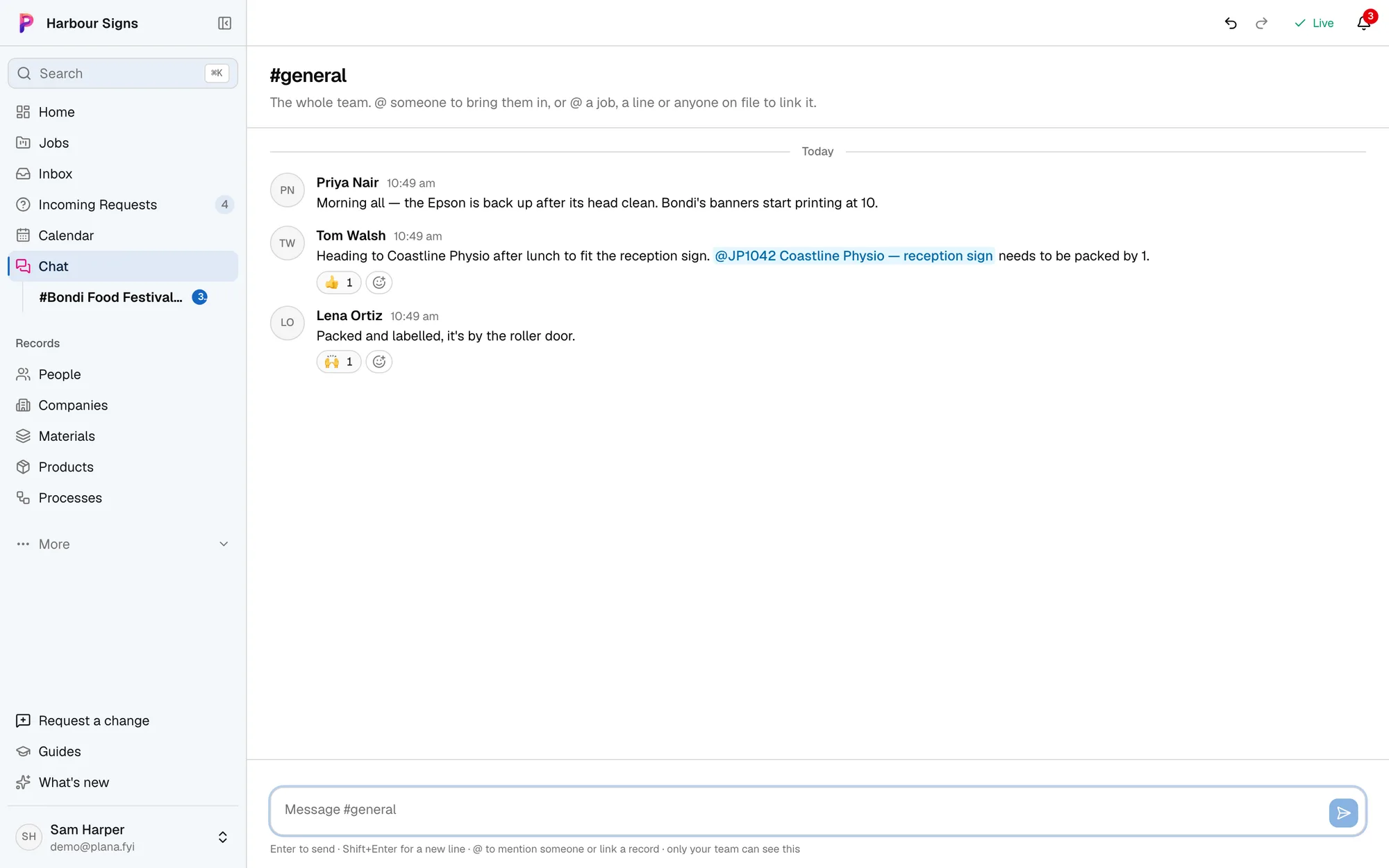
A chat for every job
Ask @Plana in the chat and it answers there, for everyone, from every job and every email.
Watch it done in the app, below.

Your invoices go into Xero
Invoices go into Xero as you issue them, and what's been paid in Xero shows on each job. Your bookkeeper keeps working in Xero as they do now.
How Plana works with XeroMoving to Plana
Bring your jobs with you.
Keeping jobs in FileMaker, a spreadsheet, Asana, Trello or monday.com? Send us what you have and we'll bring your jobs, customers and job numbers across, so your history is there on day one and new jobs carry on from the last number.
Ask us to bring yours across In FileMaker Pro now
- Same job number, and new jobs carry on from it
- Bayside Brewing Co and Mia Chen saved as a customer
- Both signs on the job, with their sizes
- Where it was up to, so it lands in the right stage
Questions
- Does Plana send emails on its own?
- No. Anything going to a customer or supplier waits for someone to approve it.
- Can I use it from Claude or ChatGPT?
- Yes. Connect Plana to Claude or ChatGPT and ask about your jobs from there. It acts as you, and anything sent still waits for approval.