
Plana vs ServiceM8
Built for the workshop, not the call-out.
ServiceM8 is made for trades who drive to a job, do the work and invoice on the spot. A sign or print job is made in the shop first, sign by sign, with artwork and proofs along the way. That's what Plana is built around.
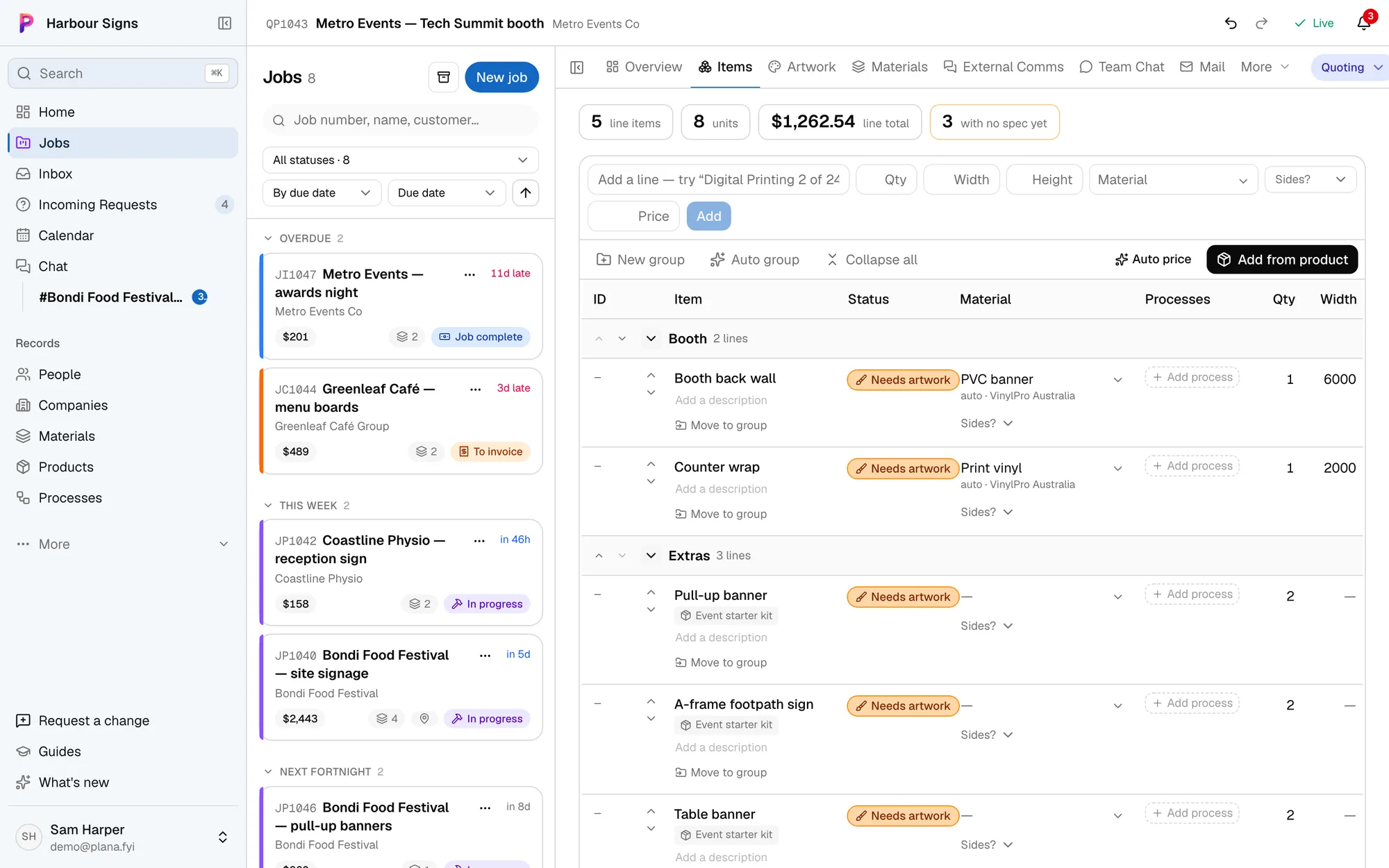
Which one fits your business?
- Booking and sending staff out to call-outs and service jobs
- Job cards, forms and photos for work done on site
- Quoting and invoicing straight from the van
- Trades like plumbing, electrical and HVAC
- Jobs with many signs, each with its own material, size and sides
- Artwork and proofs, approved by the customer in one link
- Quotes priced from your boards, vinyls and supplier costs
- Your Outlook inbox filed by job, with new work waiting in one place
- Installs too: the installer gets one link with everything for the day
What stays the same
Plana makes the quotes and invoices, but it doesn't do your books. Keep Xero for that: each invoice you issue goes into Xero, and money paid there shows on the job. MYOB and QuickBooks aren't connected yet.
Moving a sign shop across
- 1Connect your Outlook
New enquiries land in Incoming Requests, and every reply files itself against the job it's about.
See how - 2Add your materials
Import a supplier's price list once. Every quote after that is priced from what the board or vinyl really costs you.
See how - 3Start your next job in Plana
Add each sign as an item with its size and material, and the price works itself out.
See how - 4Share the job with your customer
One link, where they see every proof and send their files. They sign in free to approve or ask for changes, so you know who said yes.
See how
Moving to Plana
Bring your jobs with you.
Keeping jobs in FileMaker, a spreadsheet, Asana, Trello or monday.com? Send us what you have and we'll bring your jobs, customers and job numbers across, so your history is there on day one and new jobs carry on from the last number.
Ask us to bring yours across In Excel now
| Job # | Client | Job | Due | Status | Value |
|---|---|---|---|---|---|
| 21842 | Coastline Physio | Shopfront sign | 12 Nov | Proof sent | $860 |
| 21843 | Bayside Brewing Co | Taproom opening | 14 Nov | In production | $2,480 |
| 21844 | Northside Rugby | Ground banners | 20 Nov | Quoting | $3,150 |
- Same job number, and new jobs carry on from it
- Bayside Brewing Co saved as a customer
- $2,480 quoted, kept on the job
- Where it was up to, so it lands in the right stage
Questions
- Is Plana a ServiceM8 replacement?
- For a business that makes signs, prints and installs them, yes: quotes, jobs, artwork, proofs, purchase orders, installs and invoices are all in Plana. If most of your work is service call-outs, ServiceM8 is the better fit.
- Does Plana work on a phone?
- Yes. There's an iPhone and Android app, and installers get a page on their phone with everything they need for the day.
- Does it connect to Xero?
- Yes. Each invoice you issue goes into Xero under the same number, money marked paid in Xero shows as paid on the job, and arrived purchase orders can go in as draft bills. It's free on every plan.