
Works with your files
Your files stay put. Plana finds them.
Keep artwork and drawings where they already live. Connect Dropbox, Google Drive, OneDrive or SharePoint, and Plana reads them, read-only, so the right file turns up on the right job.
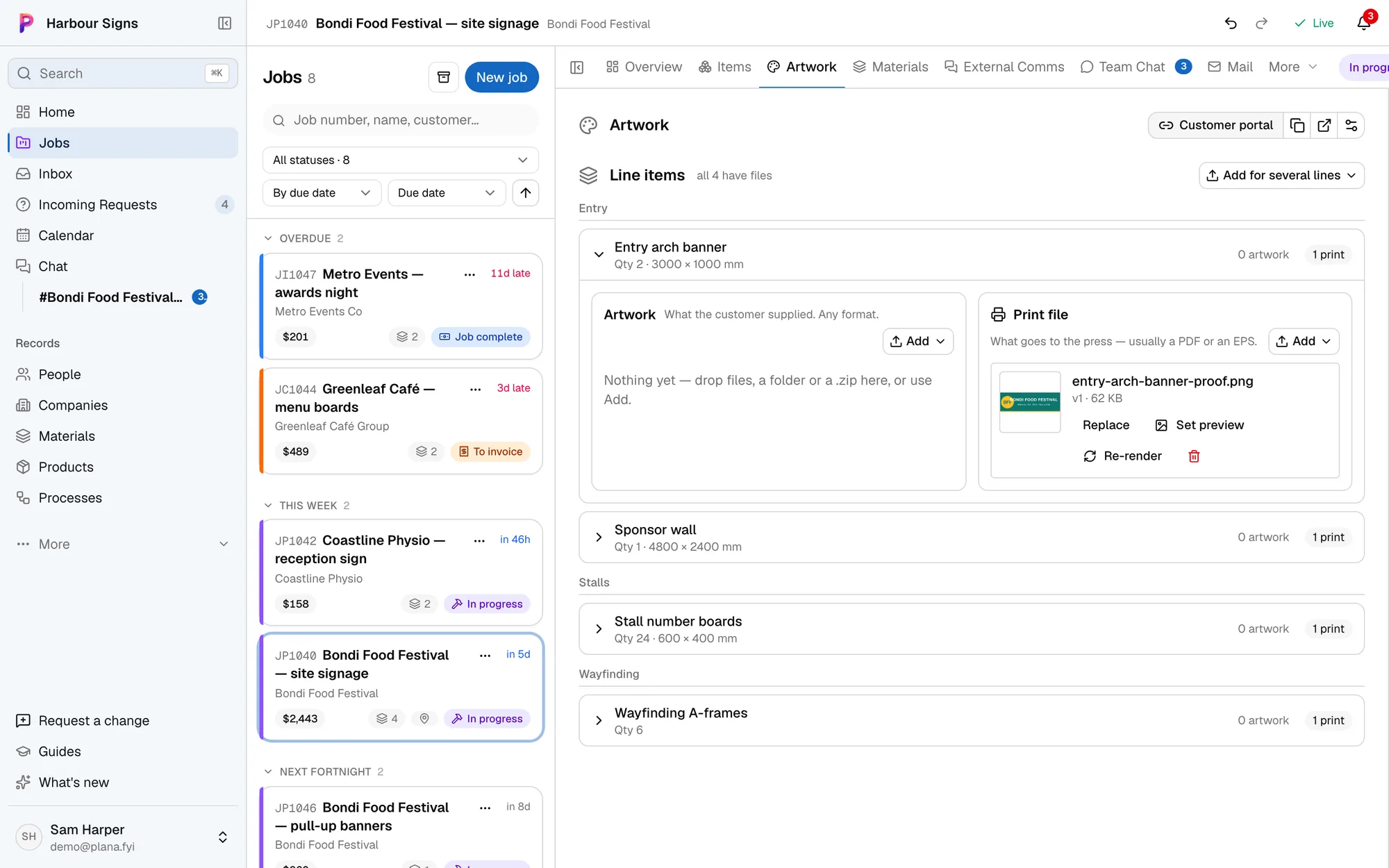
How it works alongside
Plana never moves, changes or deletes your files. It only reads them, and keeps the last ten versions of each so you can see what changed.
Setting it up
- 1Connect where your files live
Under Settings, connect as many accounts as you use.
- 2Artwork arrives on the job
Artwork that comes in by email, Drive, Dropbox or OneDrive is prepared for print on the job's artwork tab.
- 3Link the client's spreadsheet
Paste a Google Sheet or Excel link and keep the job in step with the customer's list of signs.
See how
Questions
- Can Plana change or delete our files?
- No. It asks for read-only access and never writes to your Dropbox, Drive or OneDrive.